|
|
Many programs "consider"
themselves the most important programs in a system: they place
themselves in startup and in a System Tray of a system.
This leads to unreasonable using of system resources, of random
access memory; and finally, to reducing processor power.
As a rule, such programs write information about themselves not
in the Start section of the "Startup" menu, but in the
Windows registry without leaving the option to the user and
complicating the process of checking the autothread process.
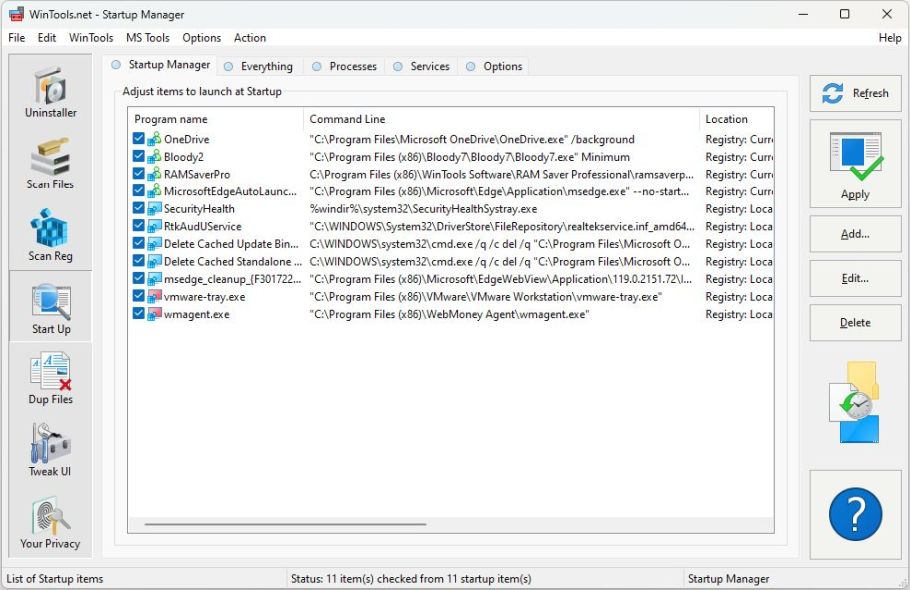
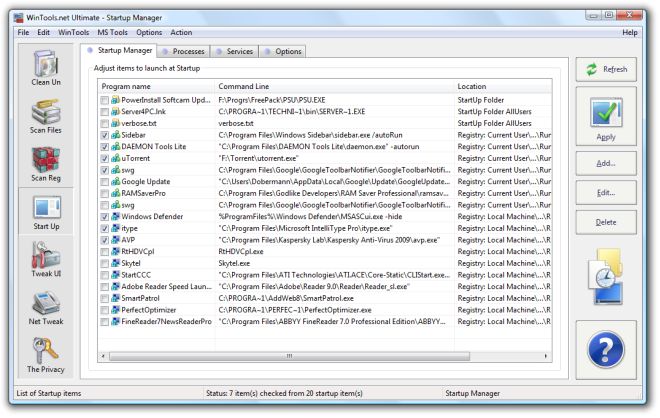
The "Startup" tool monitors all records about autothread
and allows to delete/add and temporarily disable records.
After temporary disabling the records you need to apply changes
by pressing the Apply button.
For deleting, editing or adding records you can use "Delete",
"Edit" and "Add" buttons accordingly.
Using the "Options" bookmark you can indicate which places the
"Startup" tool will check when looking for records about
startup.
System requirements:
- OS: MS Windows 11/10/8.1/8/7/VISTA/Me/2000/XP x86 x64
-
Minimum screen resolution 1024x768
- CPU:
Pentium processor and above
- RAM:
128 Mb RAM
- HDD:
5 Mb free disk space
- Download size: 1.4M
.
|
|
|